Getting started#
To get started with using sdu_controllers, you first need to install it on your system. See Installation.
First steps (defining a trajectory)#
To run the joint-space motion controller in sdu_controllers, with the EUROfusion breeding blanket handling robot, you can use the pre-defined trajectory under:
examples/data/joint_trajectory_safe_bb.csv
which defines a trajectory that simulates the robot moving down into the vacuum vessel of the fusion reactor for breeding blanket removal. If you do not need a trajectory for the UR5e robot simply skip to next section with the joint-space motion controller.
If you want to try joint-space motion controller on a Universal Robots UR5e a trajectory must be generated first. Simply choose two arbitrary joint positions. In this example the robot is moved from the joint position \(q_{start}\) defined as:
to the joint position \(q_{final}\) defined as:
You can then run the provided Python script under scripts/generate_joint_trajectory.py to generate
the joint trajectory like this:
cd scripts
python3 generate_joint_trajectory.py
Note
The generate_joint_trajectory.py Python script is using the jtraj() function from the Robotics
toolbox for Python by Corke and Haviland [CH21], which uses a quintic (5th order) polynomial to create a smooth
joint trajectory.
After running the script, the trajectory is available under examples/data/joint_trajectory_safe.csv.
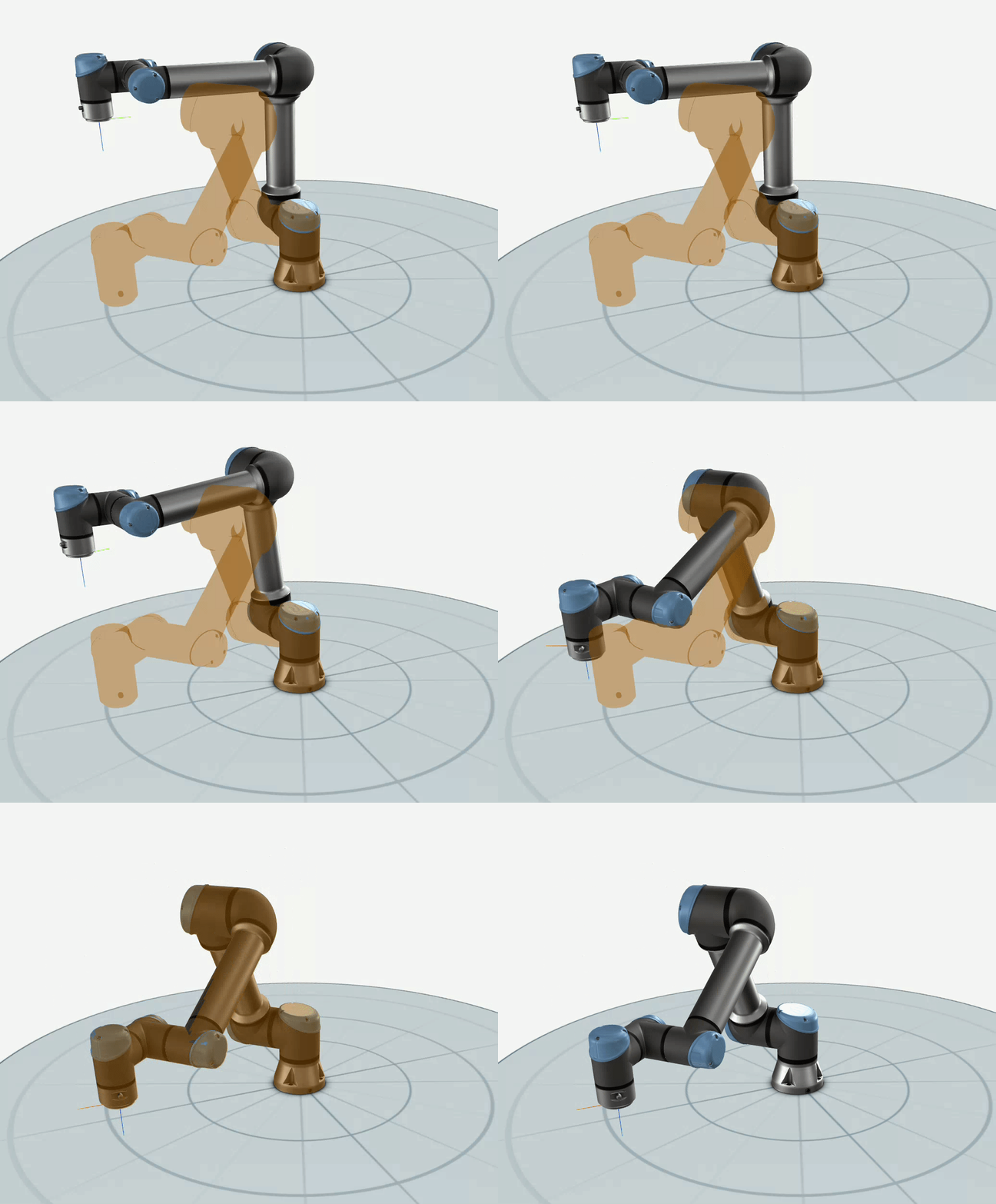
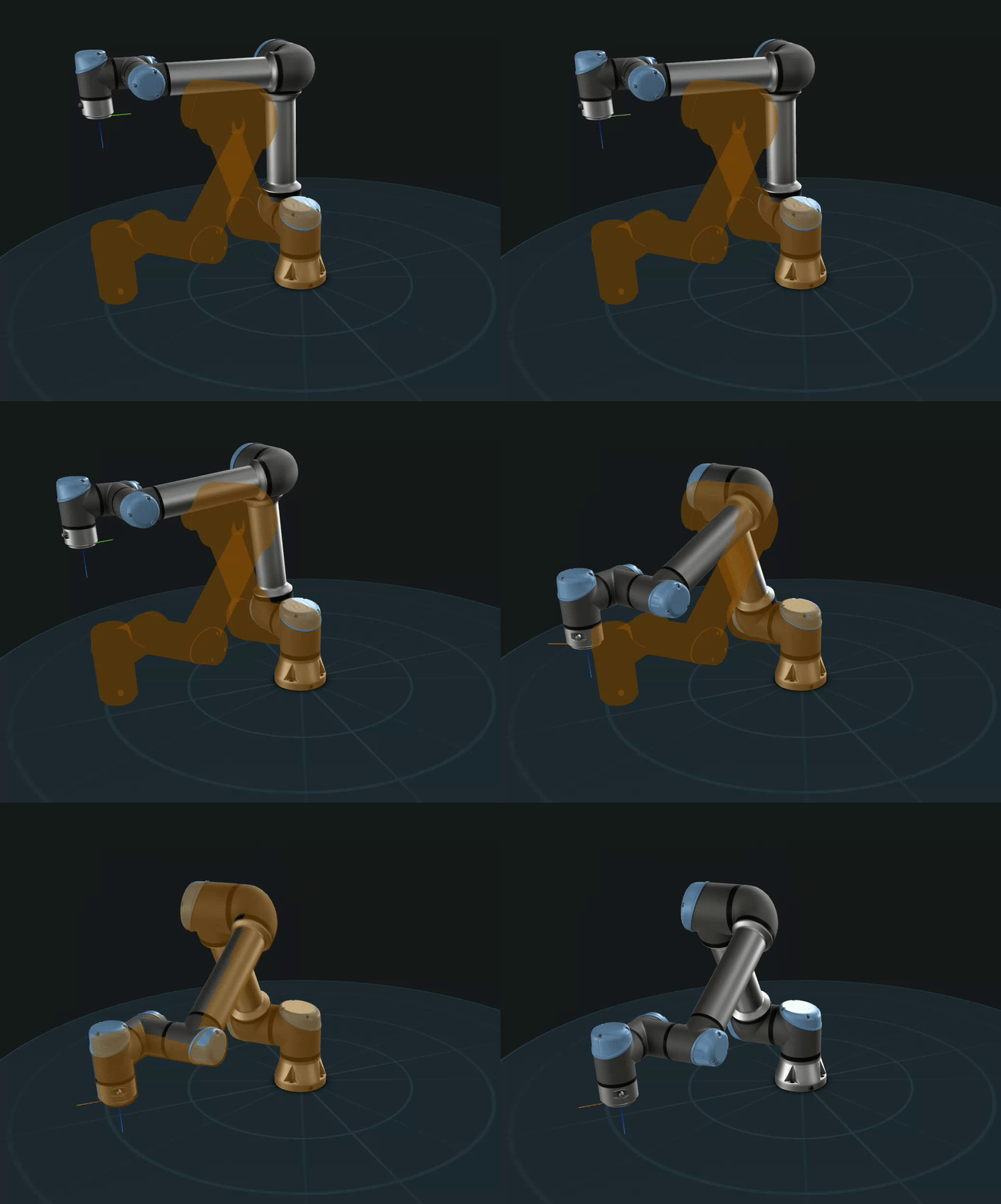
the trajectory should like like following on a UR5e manipulator:
With the trajectory generated we are now ready to run the joint-space motion control.